 CabinetsStart a free trial
What you will learn.
- Understand the difference between finished panel and core dimensions.
- See edge bands represented as physical geometry.
- Relate banding choices to the quantities used in an estimate.
Start from the finished panel size.
Physical edge banding occupies space within the specified finished panel dimensions. The panel core is reduced for the enabled bands, so adding a band does not simply enlarge the finished panel.
The demonstration uses 2 mm bands to make the relationship visible. Follow the core and finished dimensions together when changing which edges are banded.
Review the edges and the quantities.
Different exposed edges may need different treatment. Inspect the selected panel and enabled edges, then review the resulting geometry in the preview.
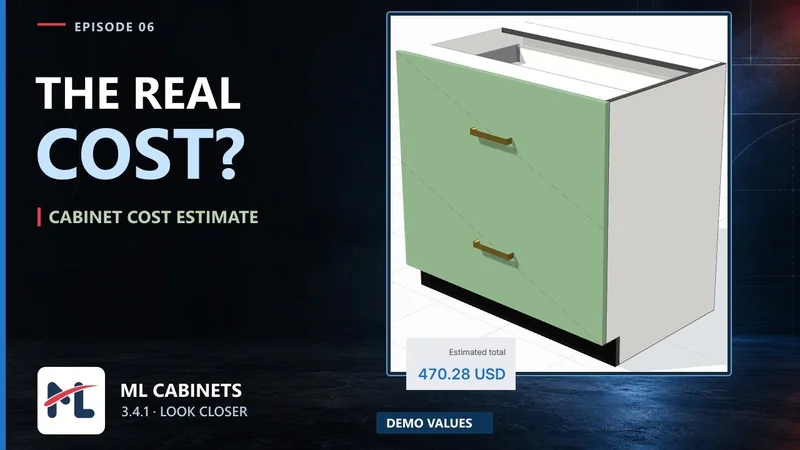
Edge-band quantities contribute to the cost workflow. Rates, trimming and waste affect the estimate, so use your own supplier information and verify the result before making a project decision.