 CabinetsStart a free trial
What you will learn.
- Resize and restyle cabinets from the Asset Library.
- Compare L-shaped base and blind wall corners.
- Adapt a hood cabinet and create finger access above a sink.
Make a library cabinet your own.
Start with a cabinet from the Asset Library, then adjust its dimensions and face shape. The lesson assigns drawer systems and coordinates materials without rebuilding the entire design.
The Style Picker helps match selected cabinet properties. Height and height from floor are then adjusted for the cabinet’s position in the kitchen.
Adapt the construction to its purpose.
The corner comparison shows an L-shaped base and a blind corner wall cabinet in the same project. The hood cabinet is adapted with an open base.
Above the sink, a raised bottom creates access for handle-free doors. Check the arrangement in the preview and confirm the details against your own hardware and construction requirements.
Find your place.
Jump to a chapter on YouTube.
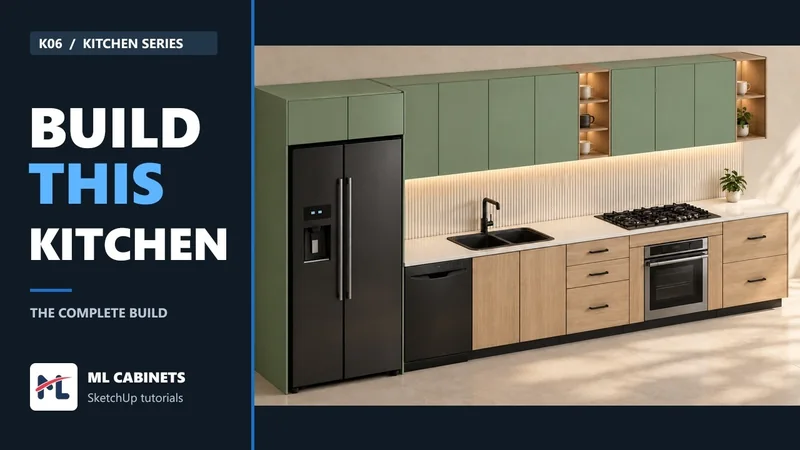
- 00:00Kitchen layout and finished design
- 00:12Adapt an Asset Library cabinet
- 00:54Try another face shape
- 01:24Assign drawer systems and match materials
- 02:16L-shaped base vs blind corner wall cabinet
- 03:06Match a hood cabinet and open its base
- 04:08Raised bottom above the sink
- 05:14Finished kitchen
- 05:26ML Cabinets