Pain Today
- Positioning panels by hand — measuring, nudging, redoing.
- Rebuilding a cabinet from scratch every time dimensions change.
- Guessing material combinations before it's too late to change.
ML Cabinets is the SketchUp extension that builds fully parametric, Dynamic Component cabinets from a single guided dialog — kitchen runs, wardrobes, vanities, and retail fixtures, all modelled to manufacture-ready precision.
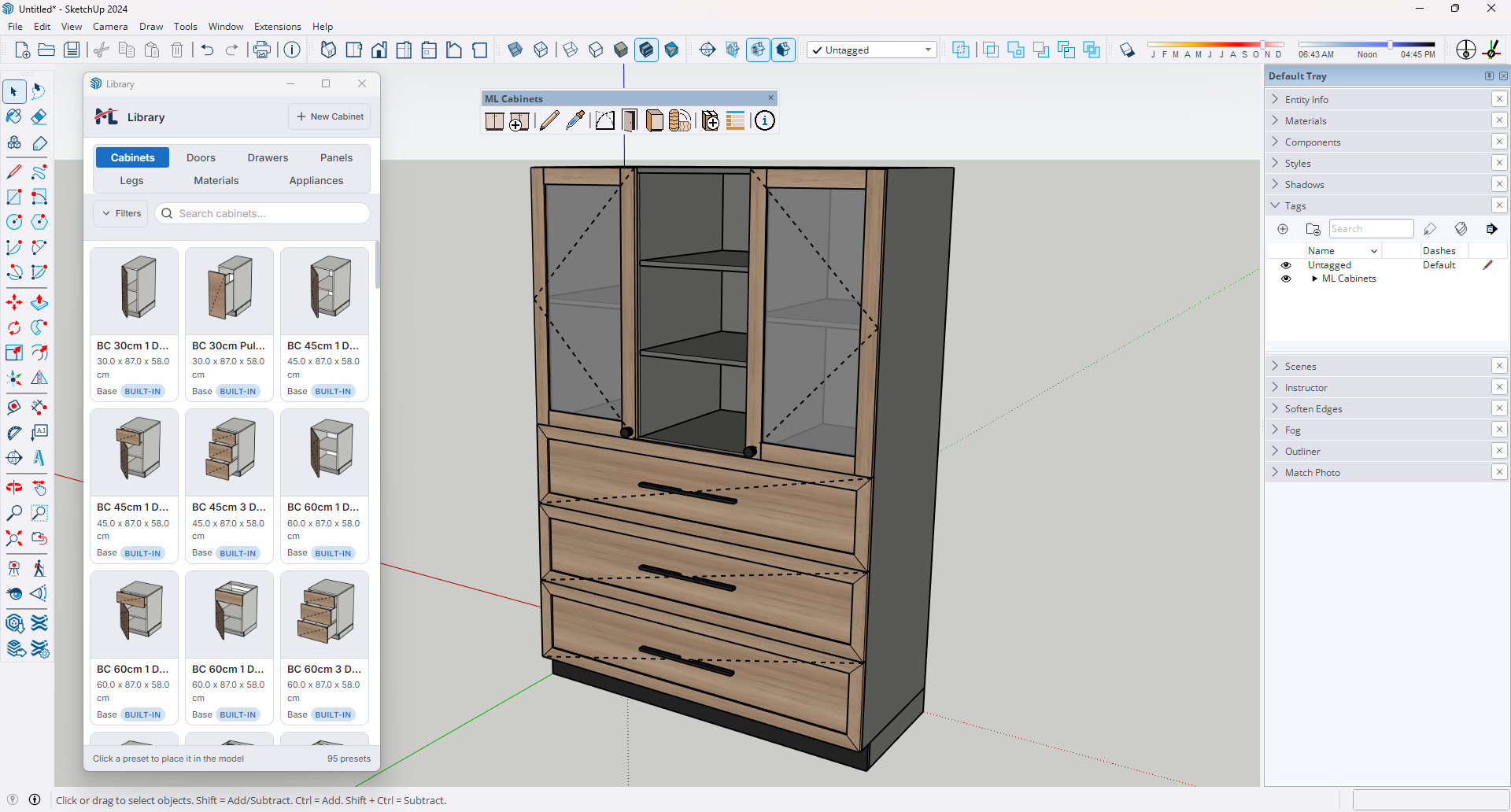
Core capabilities built for production furniture workflows in SketchUp.
Base, Wall, Tall, High, Corner (L-shaped and blind), and Filler — each pre-loaded with correct defaults for dimensions, construction, and interior layout. One dropdown, everything ready.
Every panel, shelf, and drawer box is formula-driven. Scale the cabinet with SketchUp's Scale tool and every sub-component snaps to the new size while thicknesses stay accurate.
A PBR-rendered, orbit-able 3D preview updates in real time as you configure materials, handles, interior zones, and open or closed door states before you click Create.
Build interior structure by dragging groups and items into position. Automatic dividers handle routine structural panels so your list stays focused.
Browse, place, and apply custom legs, profiles, door panels, drawer fronts, handles, appliances, and materials. Saved assets are available in every future project.
Track every cabinet in your model with type, code, dimensions, quantity, and price. Filter instantly and export to CSV or HTML reports in one click.
Copy any combination of material, handle, overlay type, or construction settings from one cabinet and paste onto one or many others with a click.
The dialog reads the active SketchUp model unit and switches every input, step increment, and default value automatically. No manual conversion ever.
Animate any door or drawer with a click using smooth ease-in and ease-out swing or slide behavior, with support for hinge types and persisted open states.
Configure, place, and iterate without breaking design momentum.
Open the New Cabinet dialog and set dimensions, construction, interior layout, materials, and hardware across seven tabs while the live preview updates in real time.
Click Create and position a color-coded wireframe preview that snaps to SketchUp inferences. Adjust insertion corner, vertical anchor, and rotation before clicking.
The placed cabinet stays live as a Dynamic Component. Resize from scale handles or reopen Edit Cabinet with every setting pre-populated.

Fresh tutorials and product walkthroughs from Mostafa Lamey's YouTube channel.
See the full extension in one pass: parametric builds, live preview, open/close animation, Asset Library, Style Picker, Schedule Manager, and exports.
Watch on YouTube
Save and reuse custom presets, materials, handles, legs, and appliances.

Browse, place, and restyle cabinets through the library tabs.

Walk through General, Construction, Configuration, Doors, Drawers, Panels, and Materials.

From empty SketchUp room to complete cabinet schedule.
The tools behind faster and more reliable cabinet production.
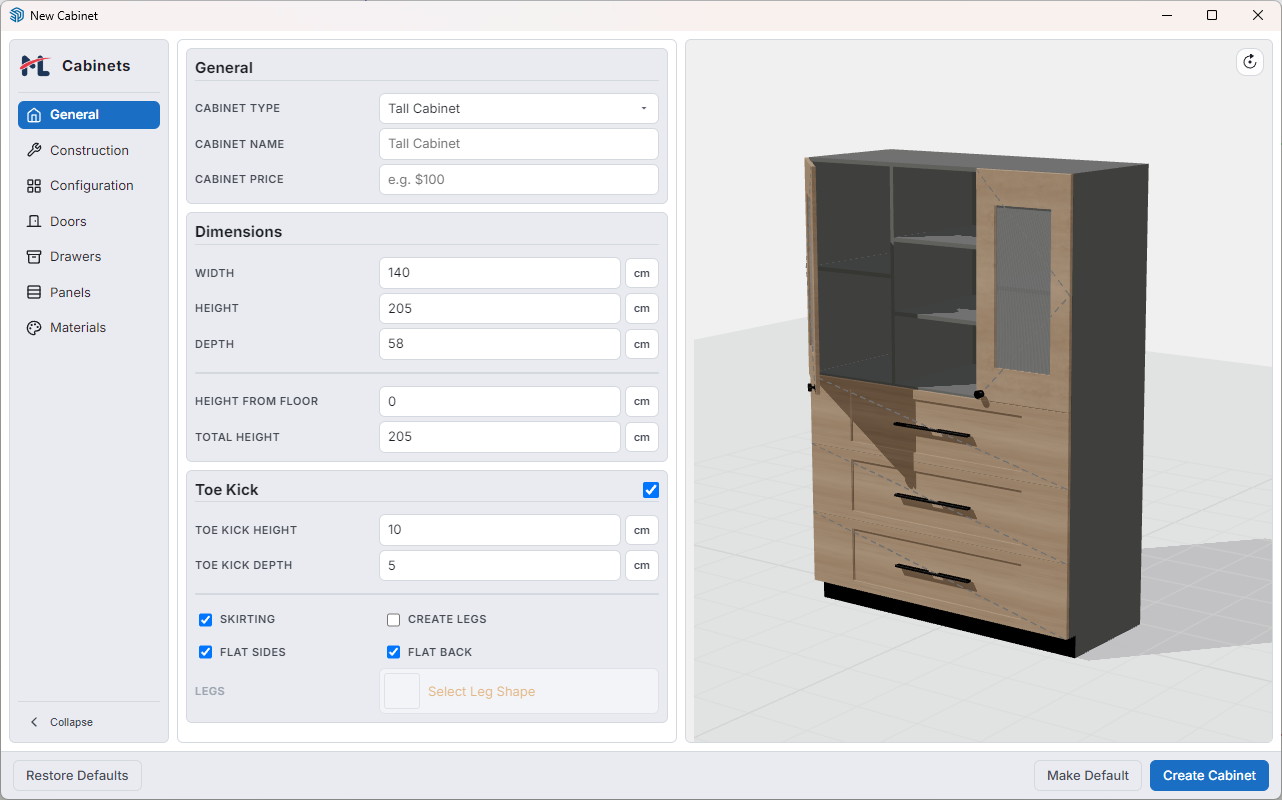
A seven-tab panel gives complete control over cabinet type, dimensions, construction method, interior layout, materials, and hardware before a single object is placed. Every form field auto-saves while tab switching stays smooth and instant.
Learn more ↓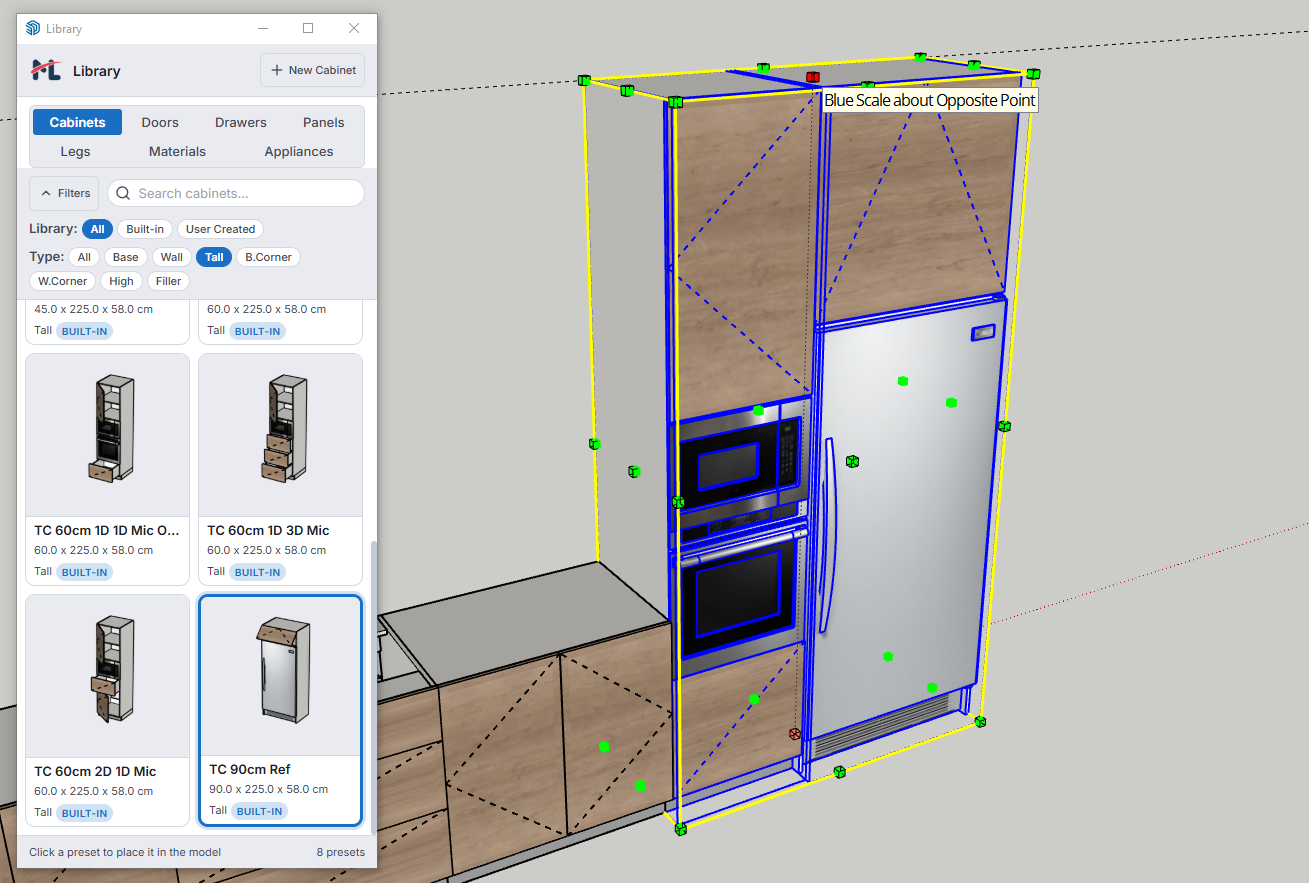
Every sub-component — panels, toe kick, groups, items, shelves, and drawer boxes — is driven by formulas chained to the root cabinet dimensions. Edit any cabinet in-place or use Bulk Edit to update multiple cabinets simultaneously.
Learn more ↓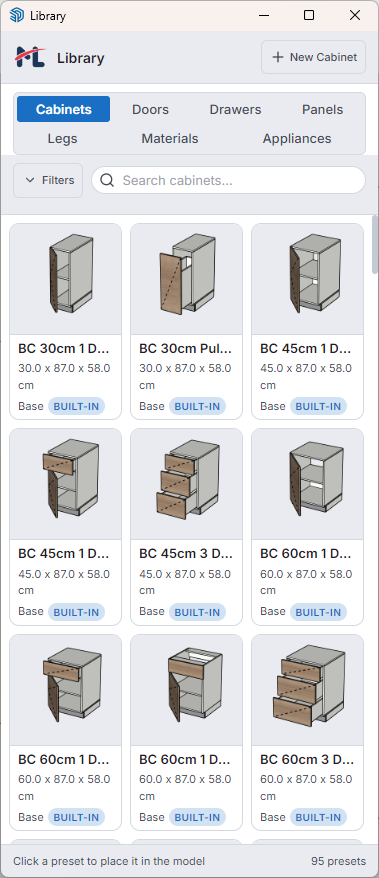
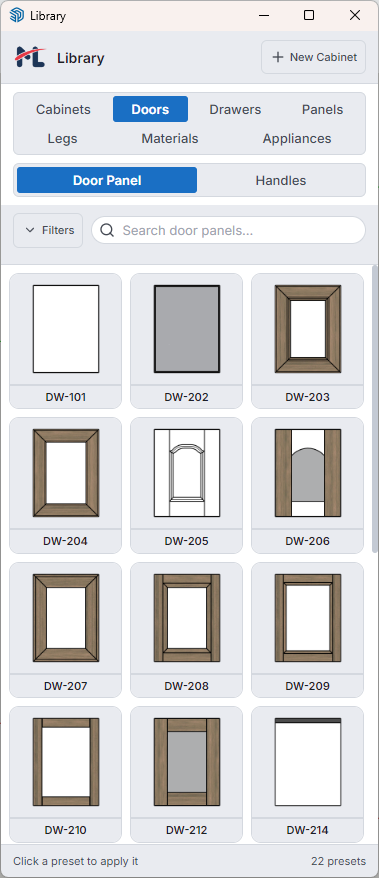
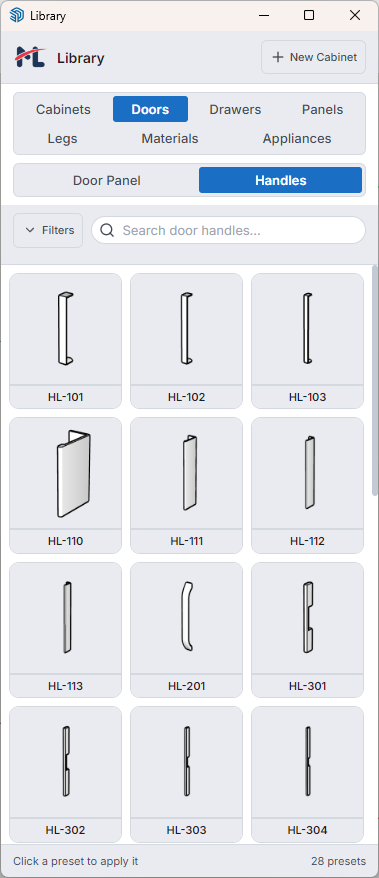
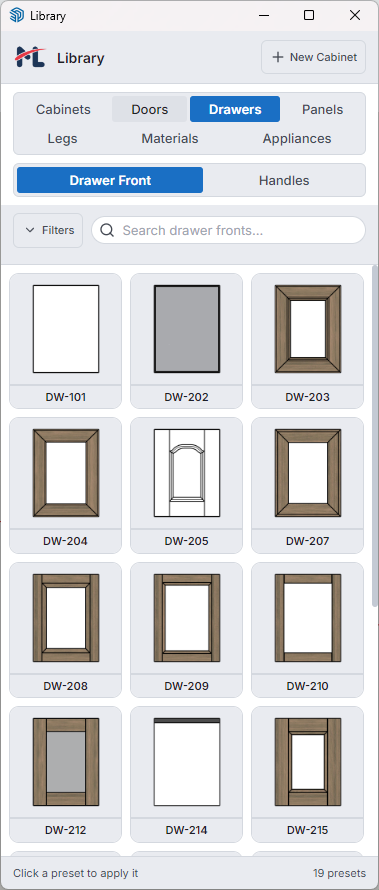
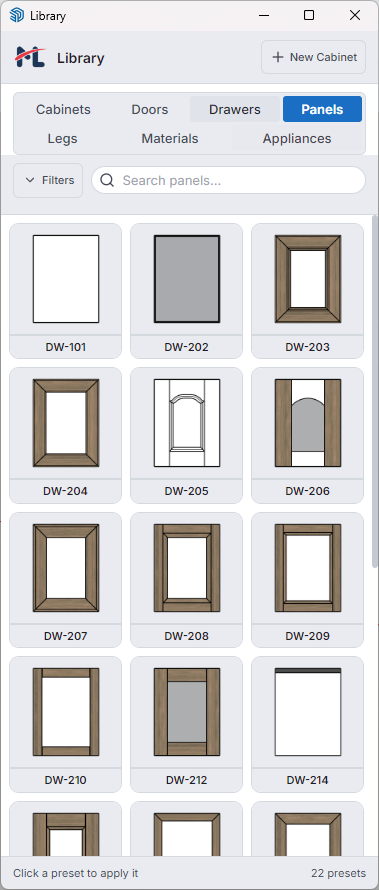
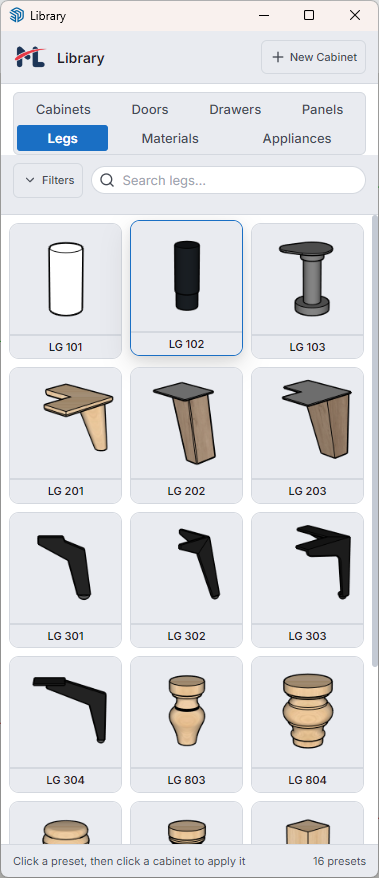
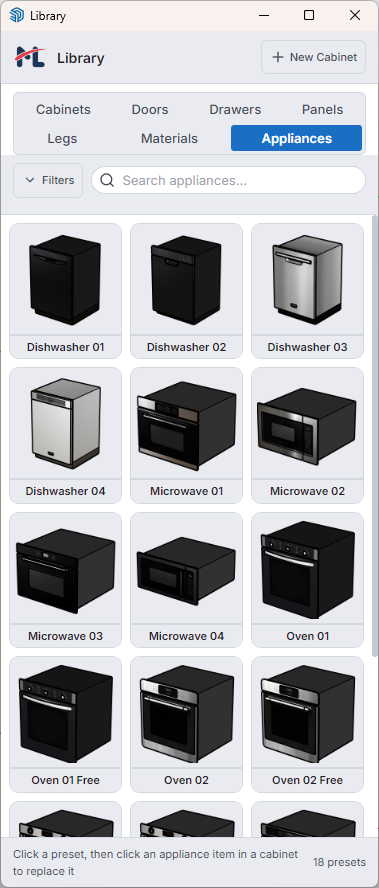
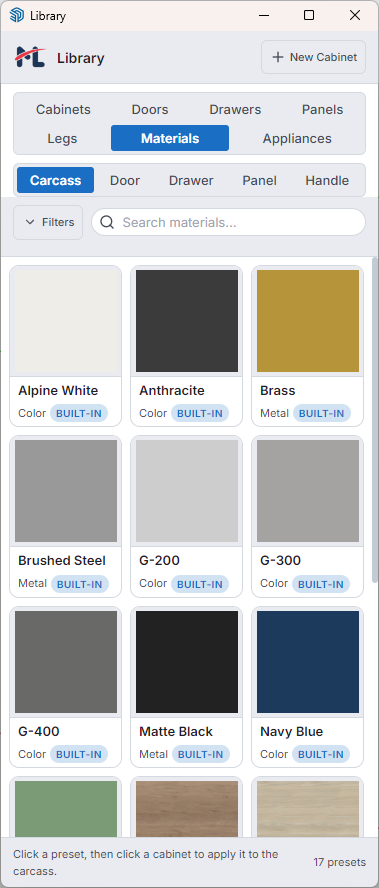
Save any leg, profile, door panel, drawer front, handle, appliance, or material texture directly from your SketchUp model. Presets appear immediately in the New Cabinet dialog and stay available in future projects.
Learn more ↓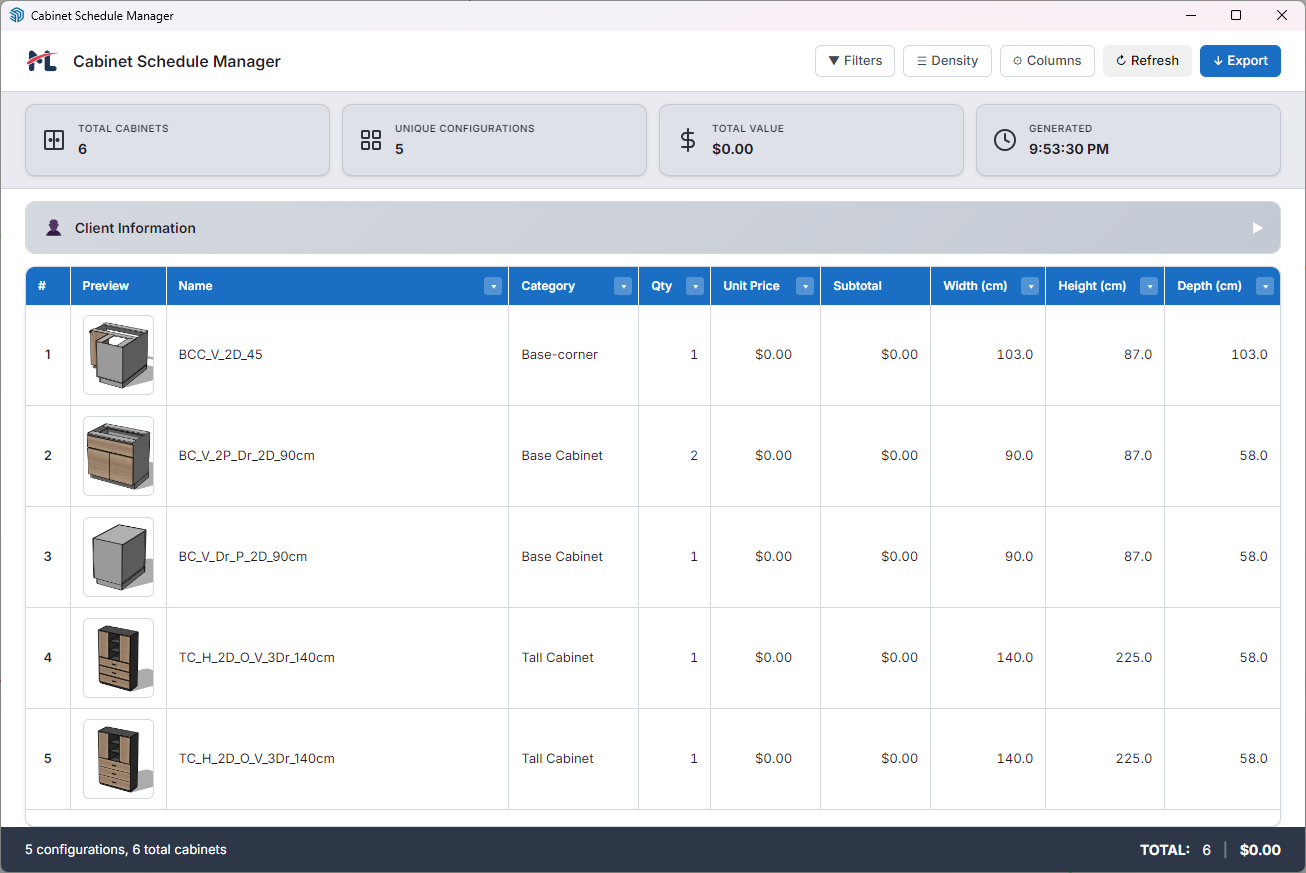
The Schedule Manager scans the entire model and displays cabinet type, code, dimensions, quantity, and unit price in a live filterable table. Edit prices inline, record client info, then export CSV or formatted HTML in one click.
Learn more ↓Real projects designed and placed with the extension.
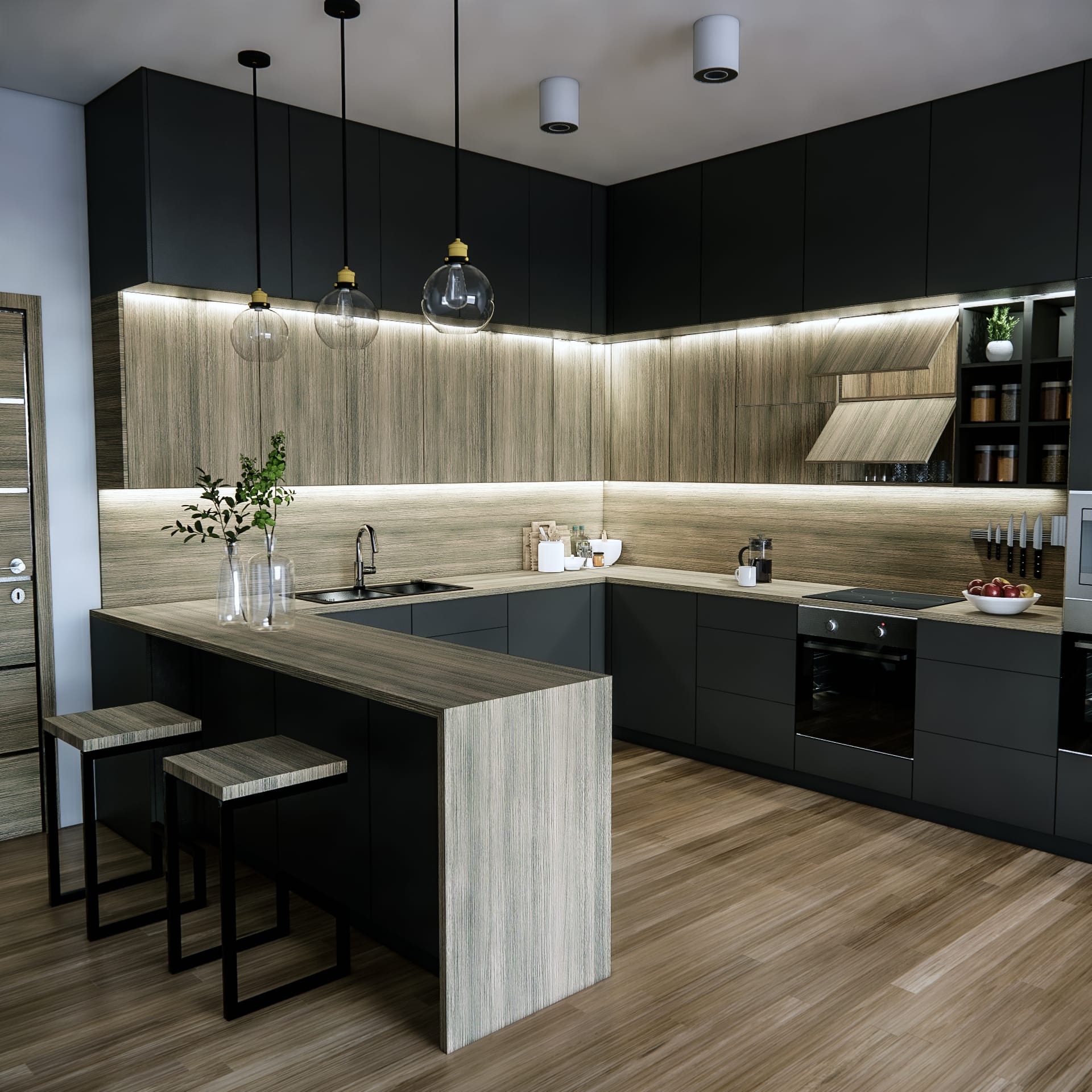
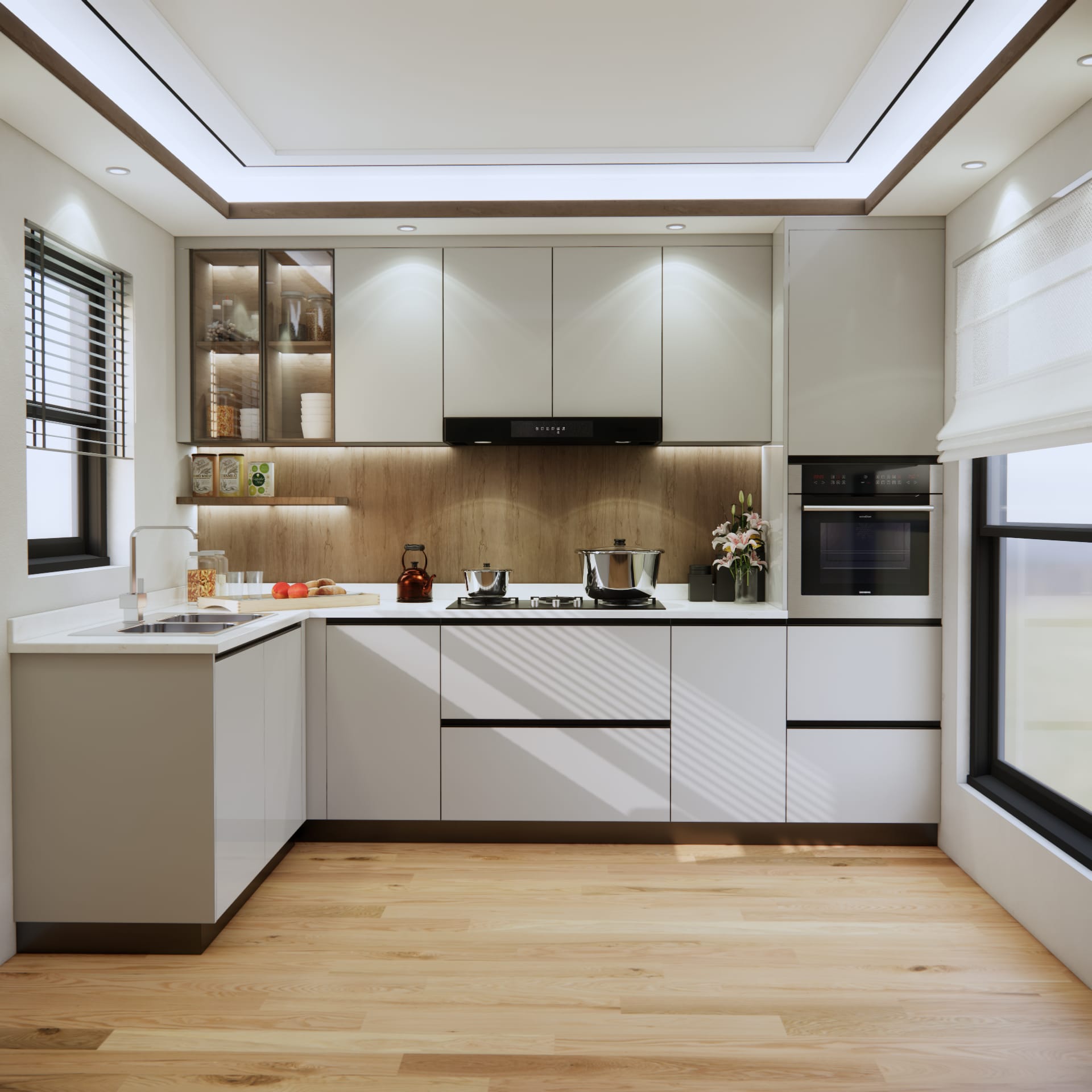
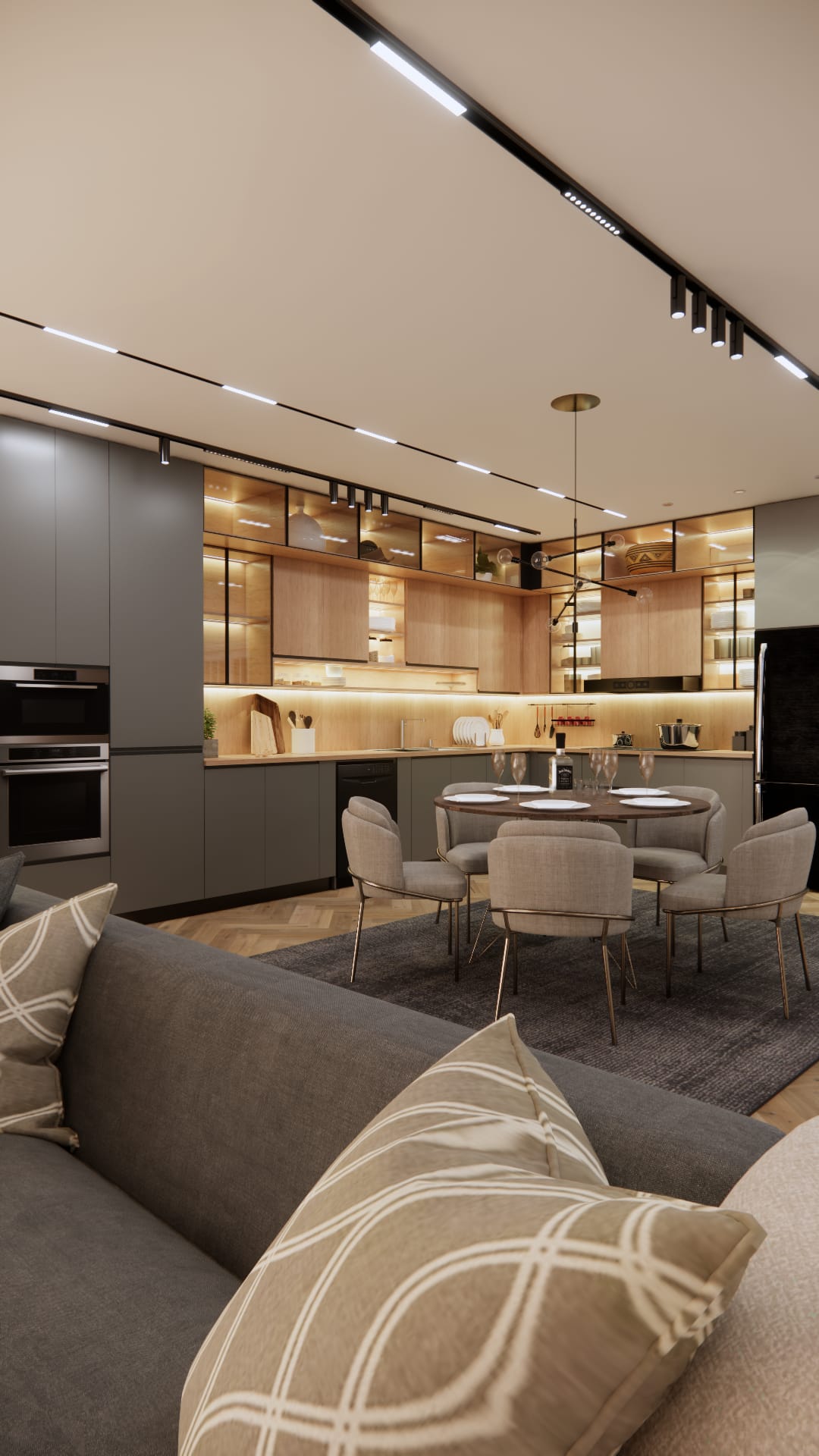
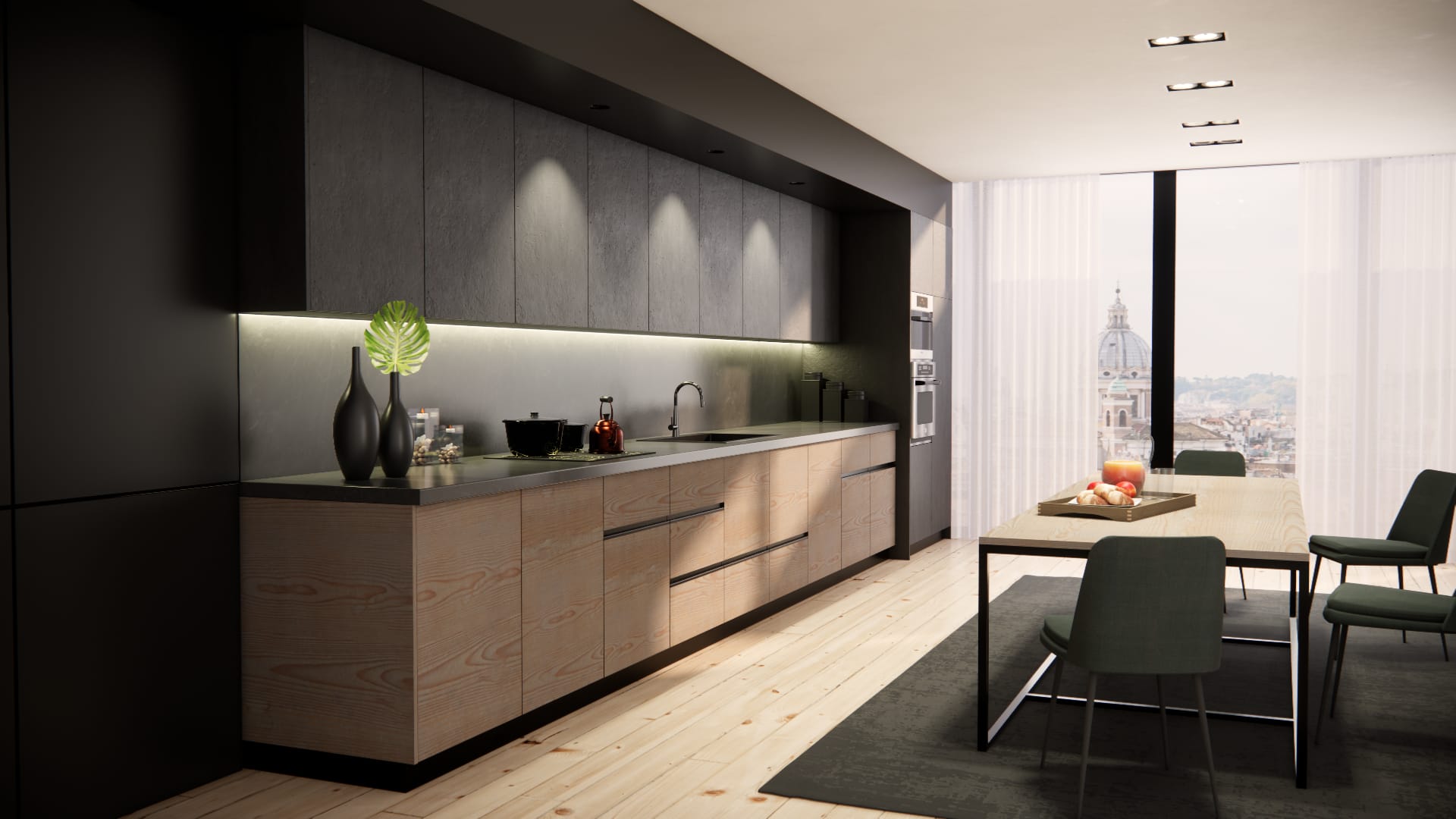
"Your programme is our go-to for modelling, which we use every day. It's more straight-forward and complication-free. Has made our life a lot easier."
Choose the license that fits your workflow.
License tied to your SketchUp Extension Warehouse account. Up to 2 machines per license.
SketchUp 2024 and later on Windows and Mac.
Yes. The dialog detects your model unit system and switches all inputs to inches automatically. No manual conversion needed.
Yes. Add to Library saves any component from your model as a preset — doors, handles, panels, legs, profiles, appliances, and materials — all available in future projects.
No. Placed cabinets are self-contained Dynamic Components. Updates add features without altering existing geometry.
Yes. It is a PBR-rendered, orbit-able Three.js scene that mirrors cabinet construction, materials, and hardware as you configure. You can orbit, zoom, and click doors to preview open states.
Schedule Manager scans your model, lets you filter and edit prices inline, records client information, then exports CSV or formatted HTML in one click.
The Education license gives you 6 months of full access with 114 library presets at a reduced price of $29. After 6 months you can upgrade to the Full license.
Each license can be activated on up to 2 machines simultaneously.
Download the 14-day free trial. No credit card required.